HerStoryDigital

FLASH SALE
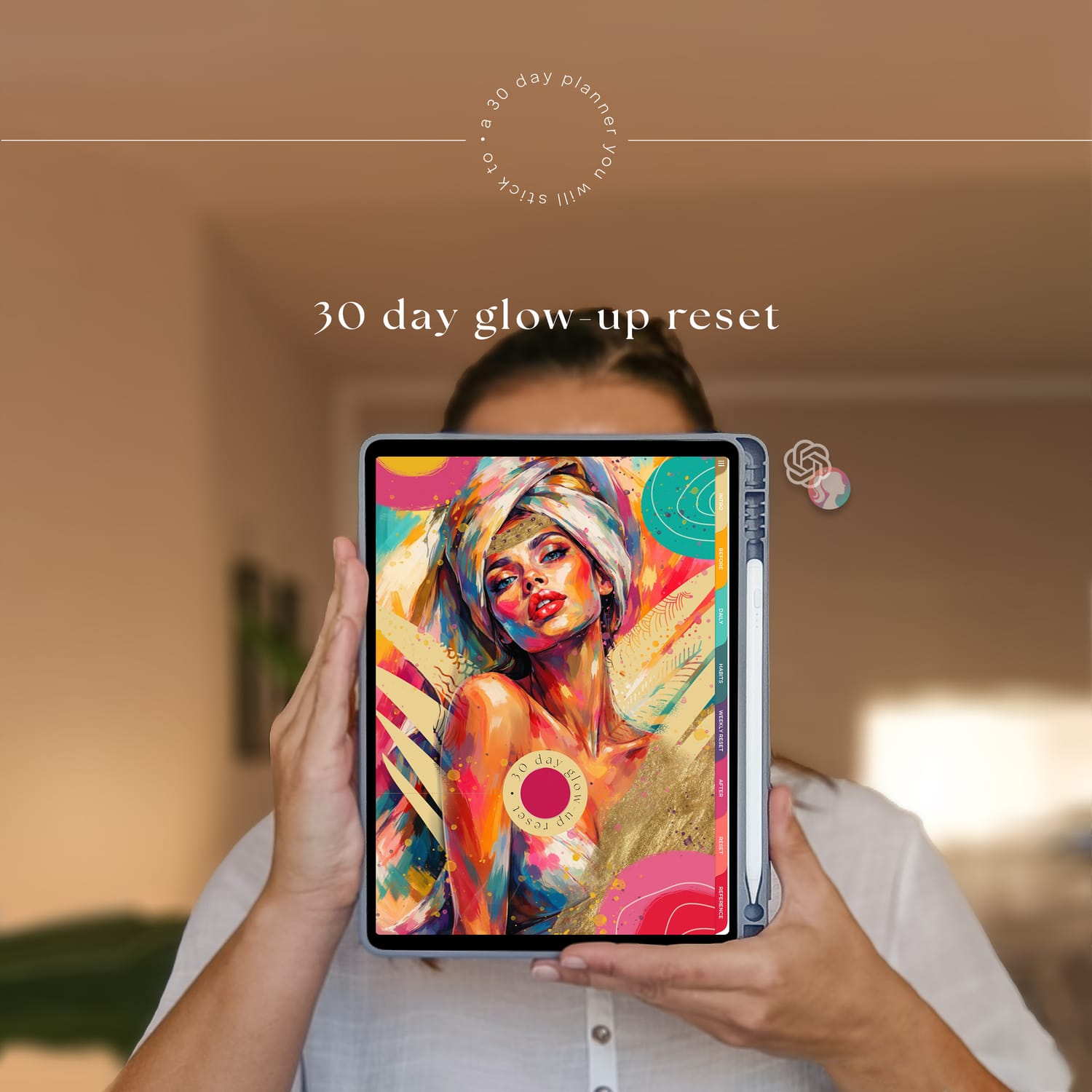
30 Day Glow-up Reset Planner
Let me introduce you to a simple, structured 30-day glow-up reset planner designed to help you build consistency, improve your routine, and feel more in control of your day-to-day life.
Whether you feel stuck, overwhelmed, or just need a clear starting point, this planner gives you a step-by-step system to reset your habits, organize your days, and stay on track — without overcomplicating it.
It includes guided sections for daily planning, habit tracking, weekly resets, and reflection, so you always know what to focus on next.
The planner is compatible with most PDF annotation apps, including GoodNotes, Notability, Samsung Notes, Penly, Xodo, and Noteshelf.
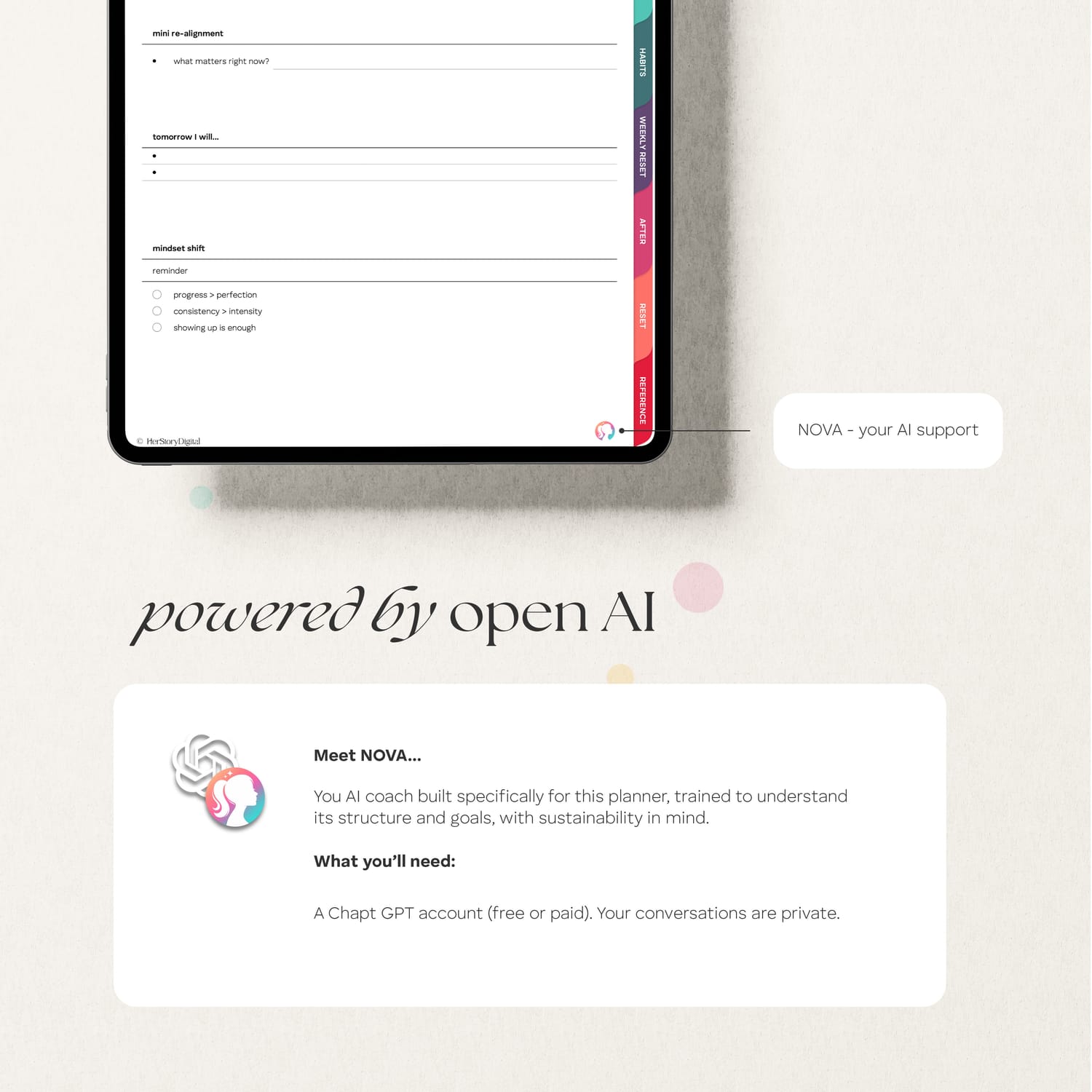
You’ll also have optional access to NOVA — a custom AI coach designed specifically for this planner to help you with daily decisions like meals, movement, and focus.
This is not just a planner — it’s a realistic system you can actually stick to.
$5.80 $2.40
Who is it for?
This 30-day glow-up reset planner is designed for women who feel stuck, overwhelmed, or inconsistent and want a simple system to get back on track. It’s ideal for anyone looking to build better habits, create daily structure, and improve their routine in a realistic, sustainable way.
$5.80 $2.40

About the notebook
FEATURES
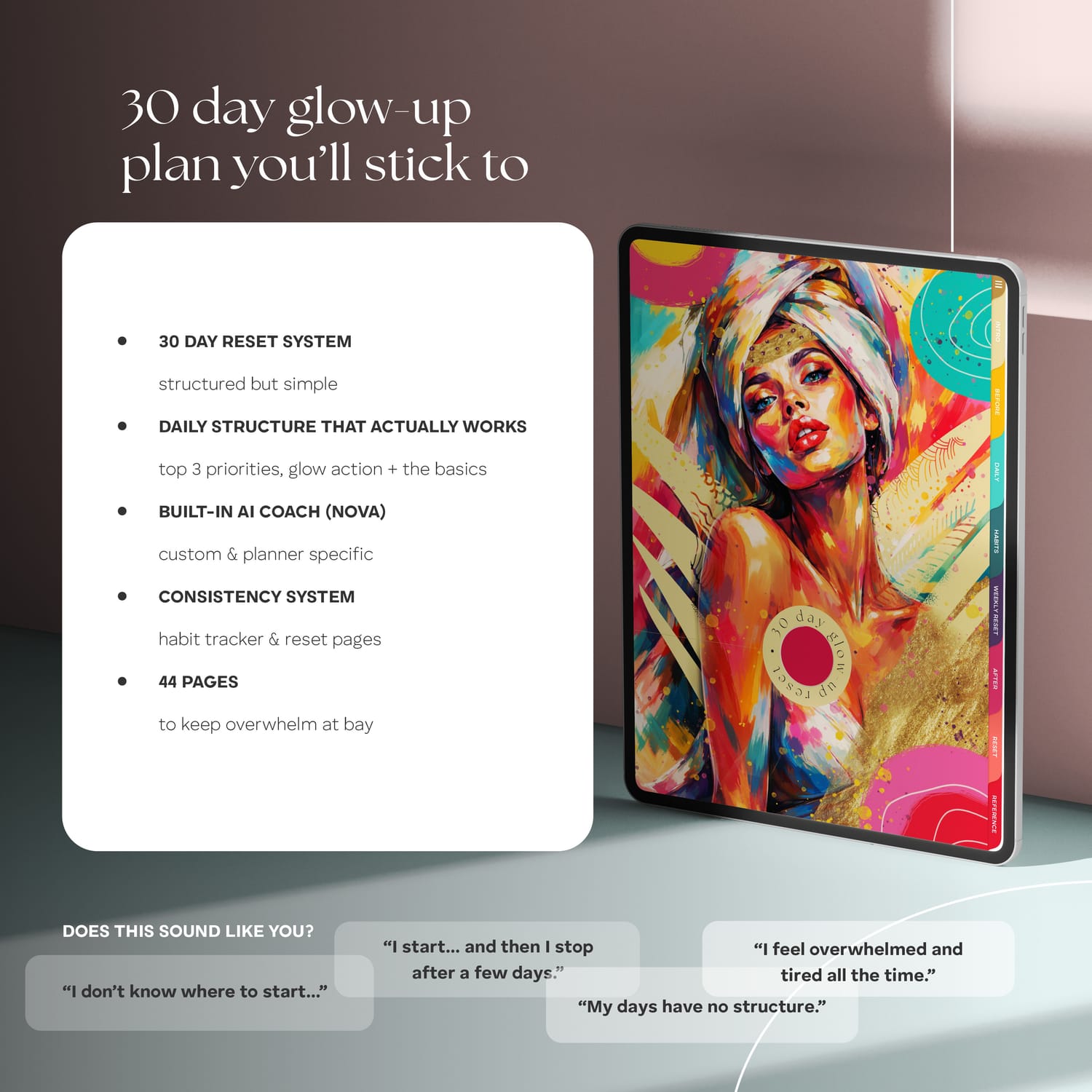
30-day glow-up reset system
structured daily planning pages
top 3 priorities and daily focus
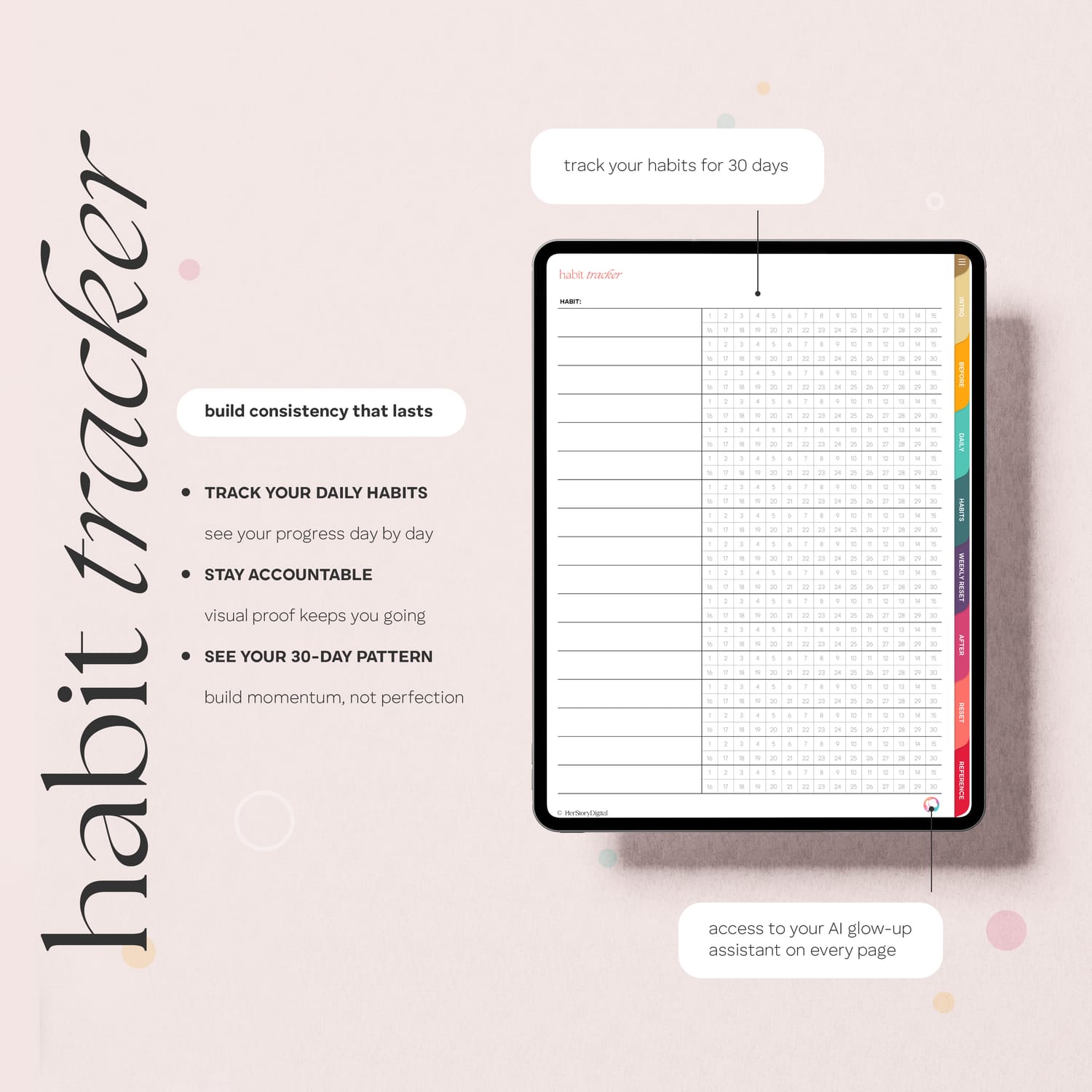
habit tracker for consistency
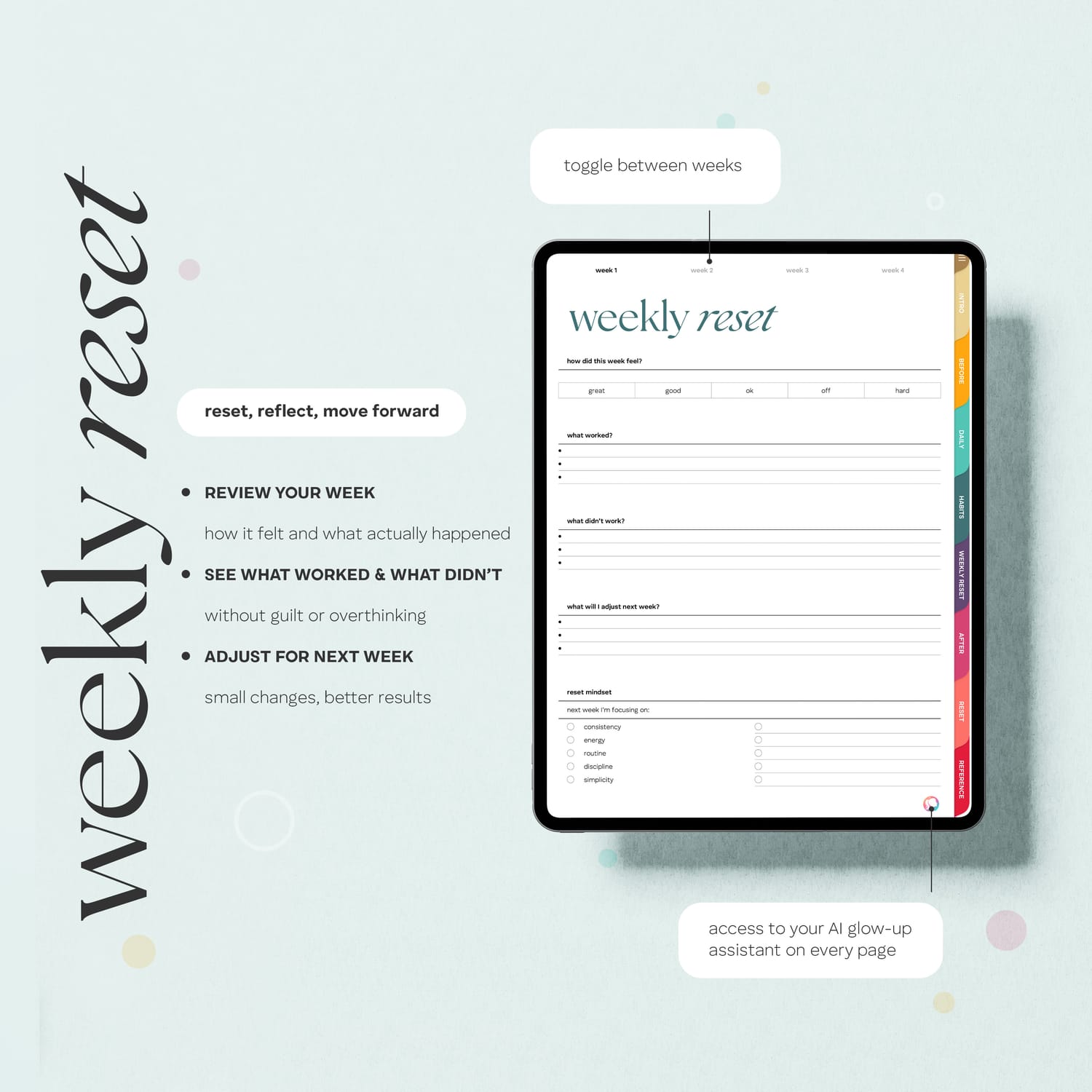
weekly reset and reflection pages
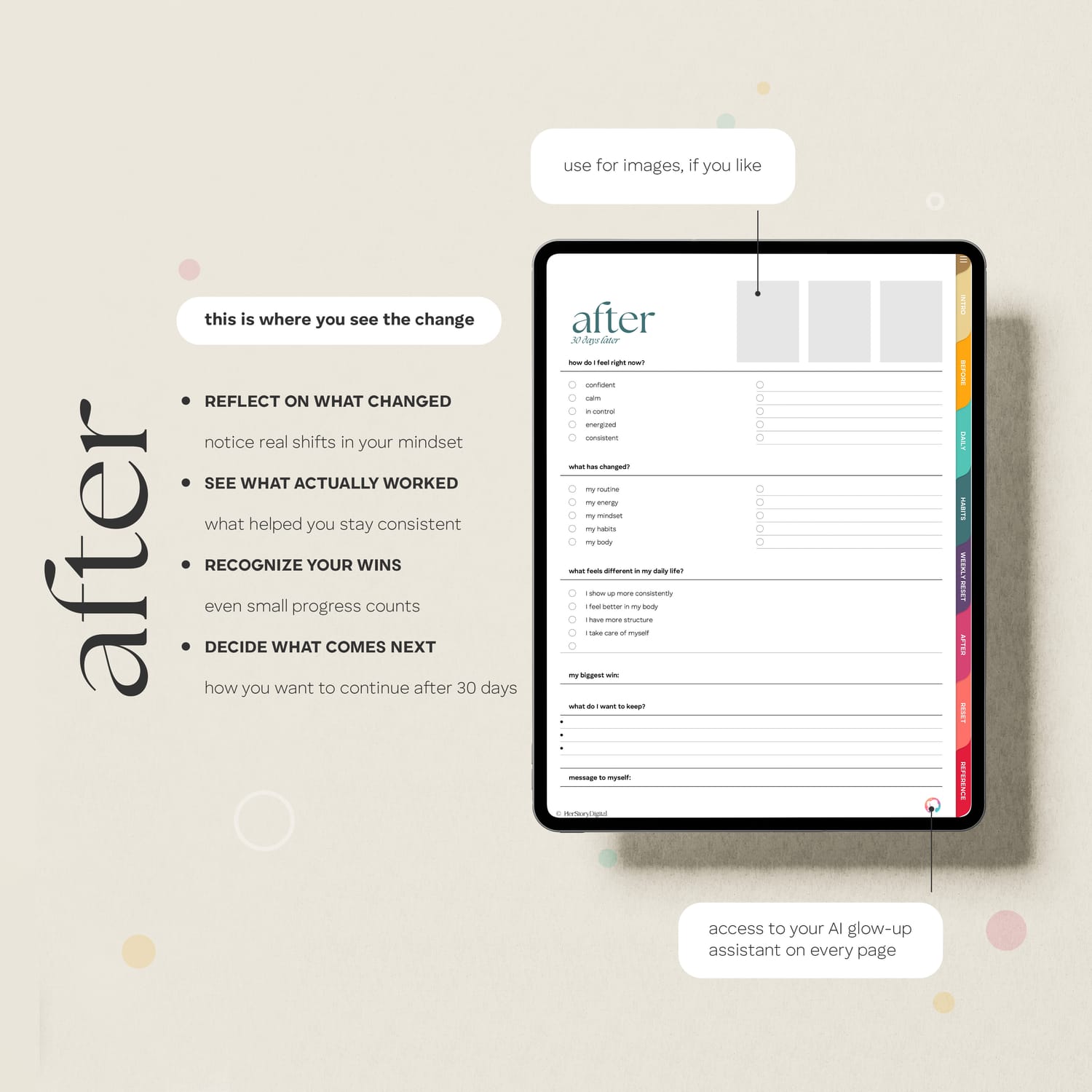
before and after progress tracking
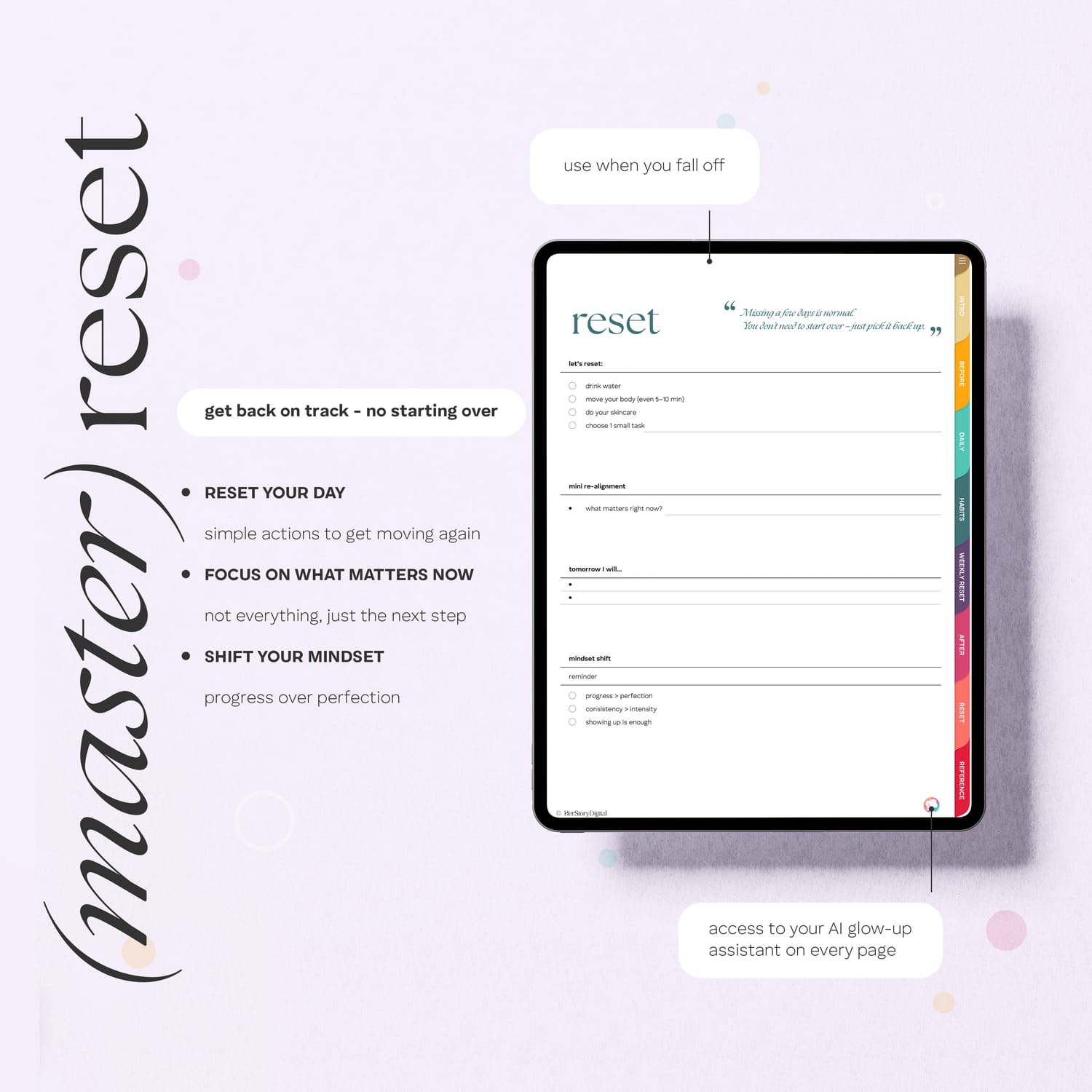
reset page to get back on track anytime
AI coach (NOVA) for daily guidance
WHAT'S SPECIAL ABOUT IT?
This 30-day glow-up reset planner stands out with its simple, structured system designed for real life, helping you stay consistent without feeling overwhelmed.
It combines clear daily guidance, habit tracking, and weekly resets with optional AI support, so you always know what to do next and can build routines that actually stick.
$5.80 $2.40
Pages
INTRO PAGE: to help you get started
INDEX PAGE: with hyperlinks for easy navigation
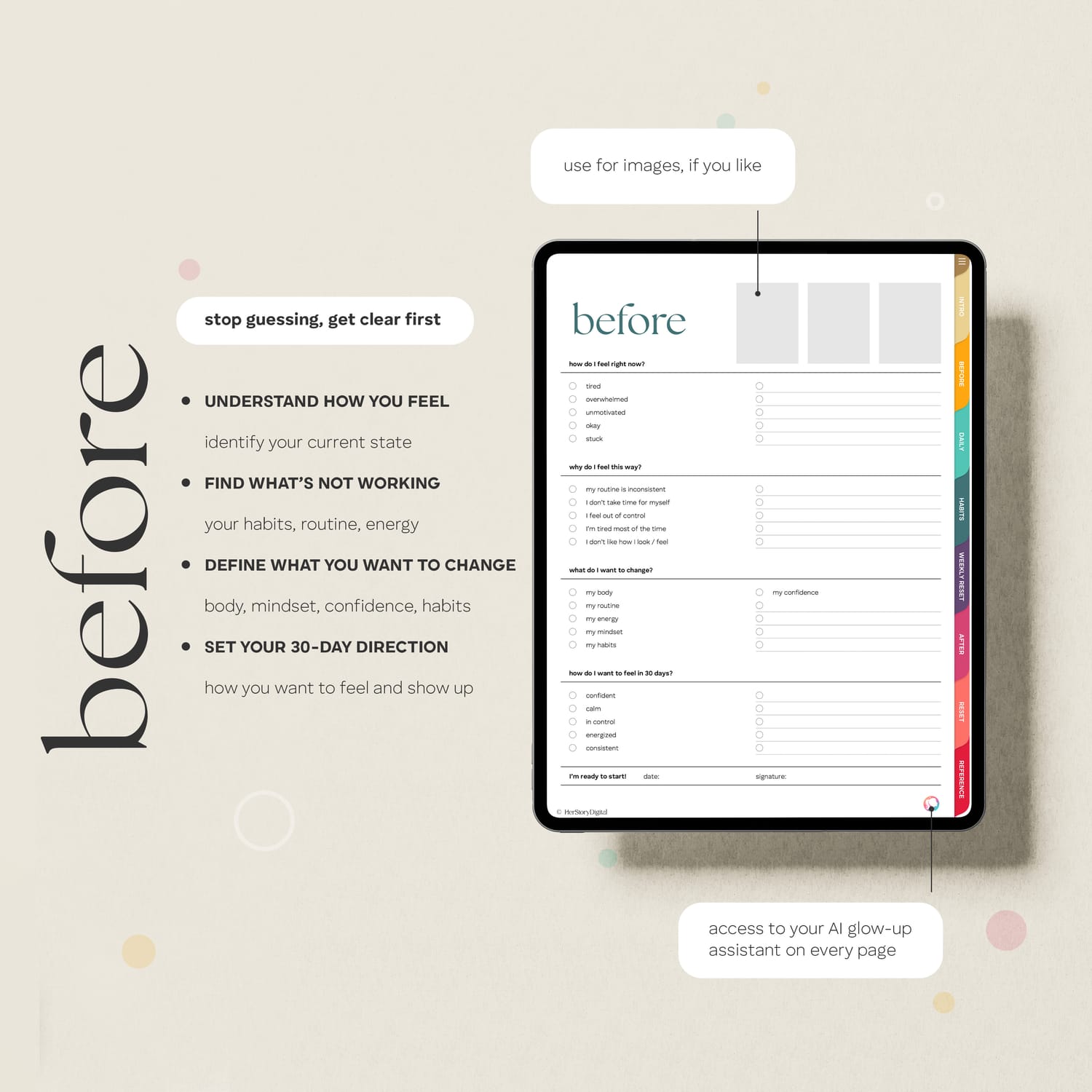
BEFORE PAGE: page to set goals and gain some clarity
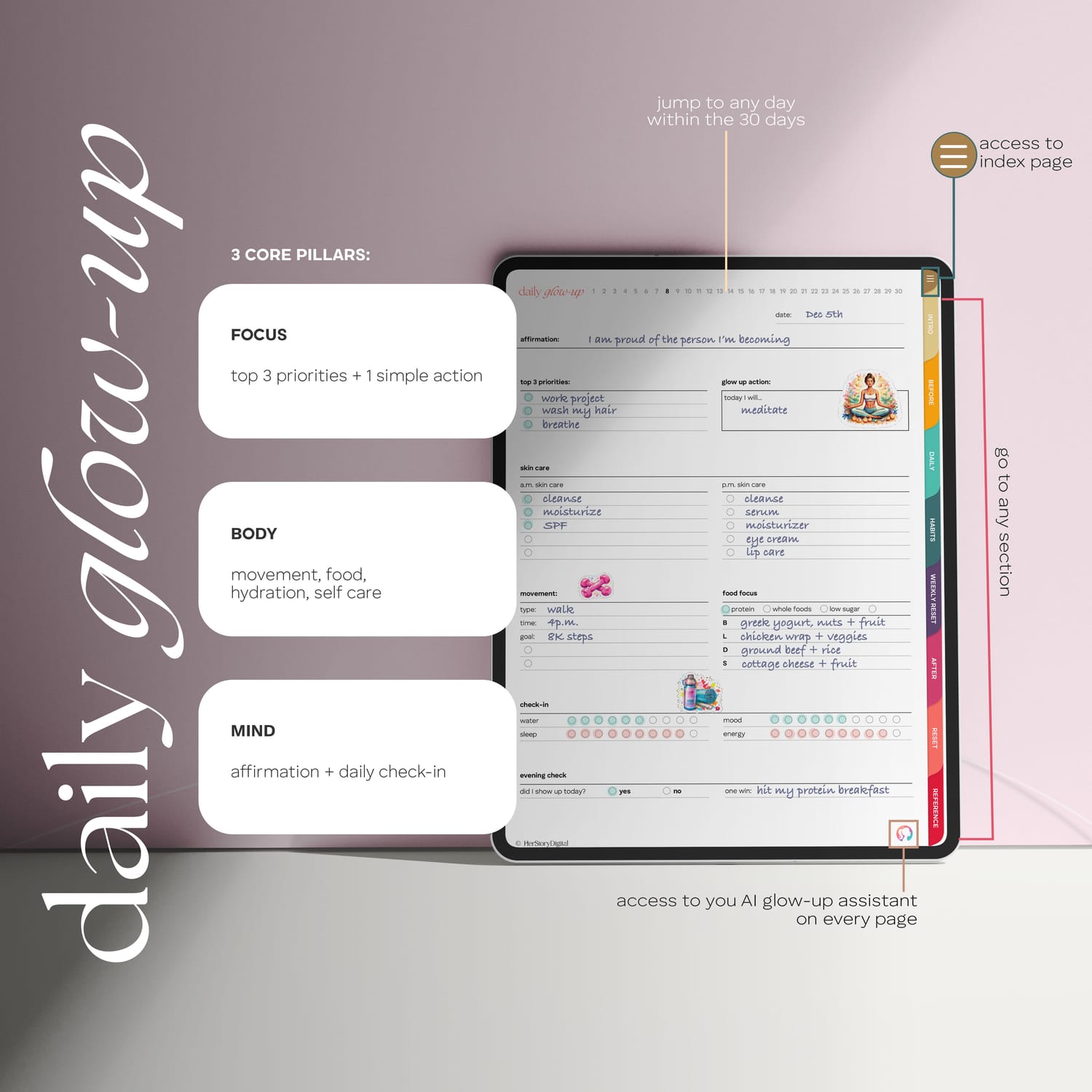
30 DAILY PAGES with 3 core pillars: focus, body, mind
HABIT TRACKER page to track habits for 30 days
WEEKLY RESET pages to understand what worked, didn't work and how to move forward
AFTER PAGE to see your progress - this is where the magic happens
RESET PAGE for when you fall off and need a little pick-me-up
REFERENCE PAGE with HEX codes to color match your pen color & elements
$5.80 $2.40
How you receive the planner
Add the template into your cart by clicking on the 'Buy' button
Proceed to pay for your order
Once your payment has been processed, you will be redirected to the download page
Download the template of your choice (choose the color palette) and the stickers to your device
Upload the template and the stickers to your preferred app (like GoodNotes for Apple devices or Samsung Notes, Xodo, Penly...)
Remeber in most PDF annotating apps you need to toggle the browse / edit icon (that can be a pen, book, hand) to be able to click the hyperlinks
All done! Happy planning :)
FAQ
These planners are in PDF format and you can think of them as a digital version of your physical planner. You can flip through the pages using the hyperlinks. My planners are intertwined with thousands of them so you never have to scroll through pages forever. I like to test their functionality as well before launching them.
Once your payment is processed, you will be redirected to the download page. THere will you will download the version of the planner you prefer (Monday or Sunday start - or both) as well as the folder with stickers (pre-cropped PNGs). The planners and the stickers come in a zipped folder so you need to decompress them before use.
Unzipping - decompressing the files is pretty easy on both iPads and Android tablets. Locate the zip folder and simply double tap on it (or right click and select unzip / decompress).
Most people purchase these planners for their iPads or other tablets. While you can use the planner on a laptop or a cellphone, they're best experienced on an iPad or tablet. A stylus is handy if you own one. You will also need a PDF annotating app like GoodNotes (Apple), Samsung Notes (native Samsung app) or Xodo, Notability, Penly...
In most apps like GoodNotes and Samsung Notes you have to toggle between edit and browse (read only) mode.
In edit mode you can write, type, draw, insert images, stickers... but the hyperlinks are disabled.
In browse mode you can click on the hyperlinks but editing is disabled.
You toggle the 2 modes clicking/tapping on the pen icon 🖊️ (book 📖, hand 👆🏽... depending on the app).
The planners are identical except for 1 element and that is the aspect ratio. Android tablets tend to be longer on the side than iPads, therefore the size of the planner is adjusted to 16:10 aspect ratio. Now that is not to say that all Android tablets are 16:10 - always check your device before making a purchase.
In simple words, both types of planners will work on either one of the devices, it all comes down to which one will fill up your device's screen.
In fact, yes. When you subscribe to my newsletter, you will get a free monthly planner with hyperlinks. This way you can try for yourself what it is like to work with a digital planner before committing to a purchase.
Digital stickers are basically pre-cropped PNG images. You can insert them anywhere in the planner making it truly yours and unique. The best part is you will never run out of your favorite stickers.
You're welcome to watch videos that I add to my YouTube channel or feel free to contact me at herstorydigital@terezamedina.com
$5.80 $2.40


ABOUT ME
Hi, I'm Tereza!
I'm a big time nerd but also an avid admirer of all things beautiful. Creating digital planners allows me to tap into both worlds. This is where I thrive! Let me pass the products of this passion to you :)