HerStoryDigital

How to Create Your Own Digital Planner (Without Designing It From Scratch)
Have you ever downloaded a digital planner, opened it, and thought, "This is almost perfect... but I wish I could change a few things"?
Maybe the weekly layout isn't quite right. Maybe the daily schedule starts too early. Or perhaps you bought a planner in April, only to realize that three months of it are already useless.
Here's the thing: your planner should fit your life, not the other way around.
And creating a digital planner that actually works for you doesn't have to mean spending hours designing pages, adding hyperlinks, or figuring out complicated software.
There's a much simpler way.
What Does It Mean to Create Your Own Digital Planner?
Traditionally, making a digital planner meant designing every page yourself, usually in programs like Canva, PowerPoint, or professional design software.
You'd need to create calendars, duplicate daily pages, add navigation tabs, and manually connect hundreds of hyperlinks.
For a complete 12-month planner, that's a lot of work.
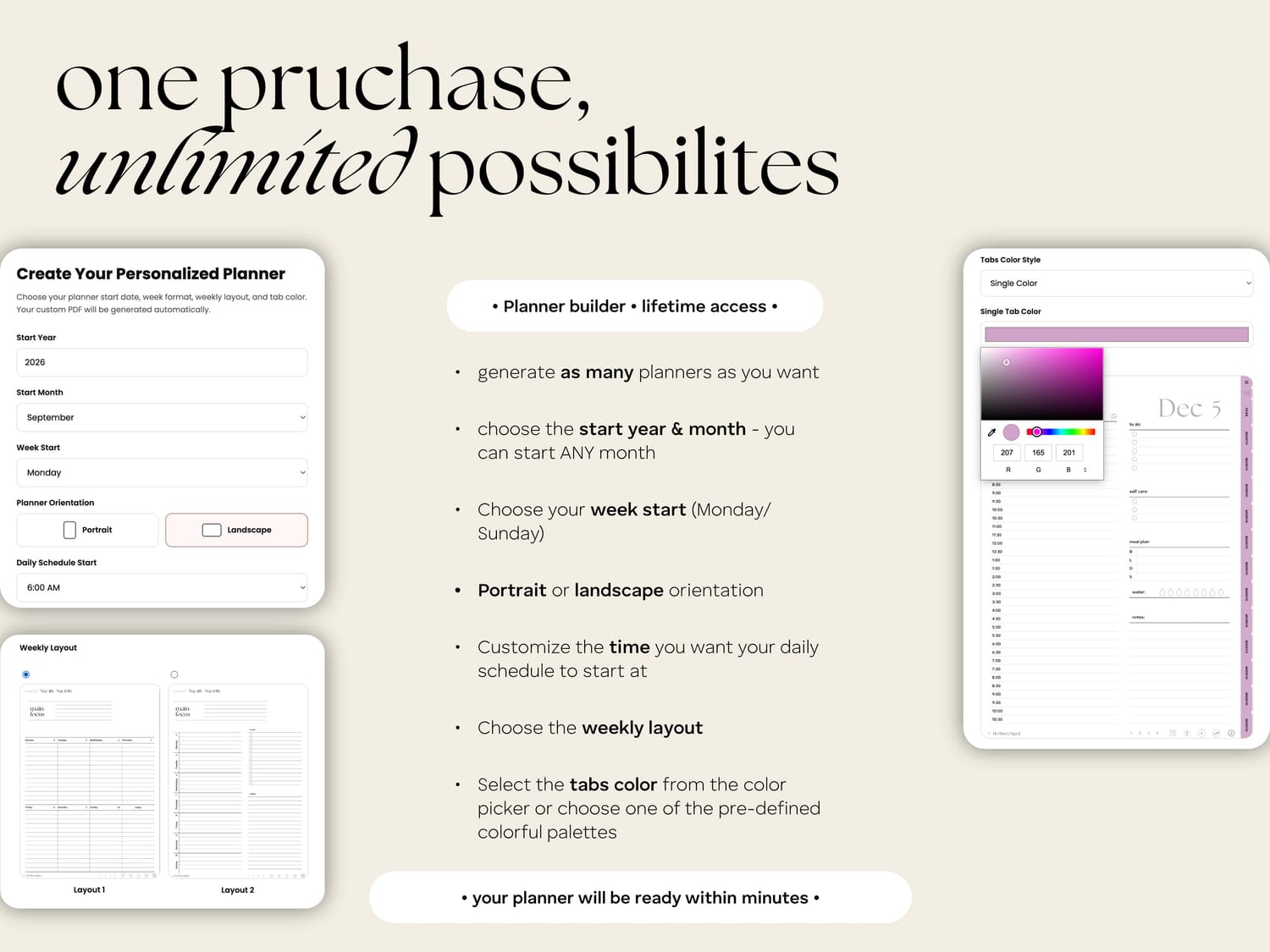
But a customizable digital planner builder changes the process entirely.
Instead of designing the planner, you choose how you want it to work.
The system takes care of the complicated part and generates a complete, personalized, hyperlinked PDF planner based on your choices.
No design skills required.
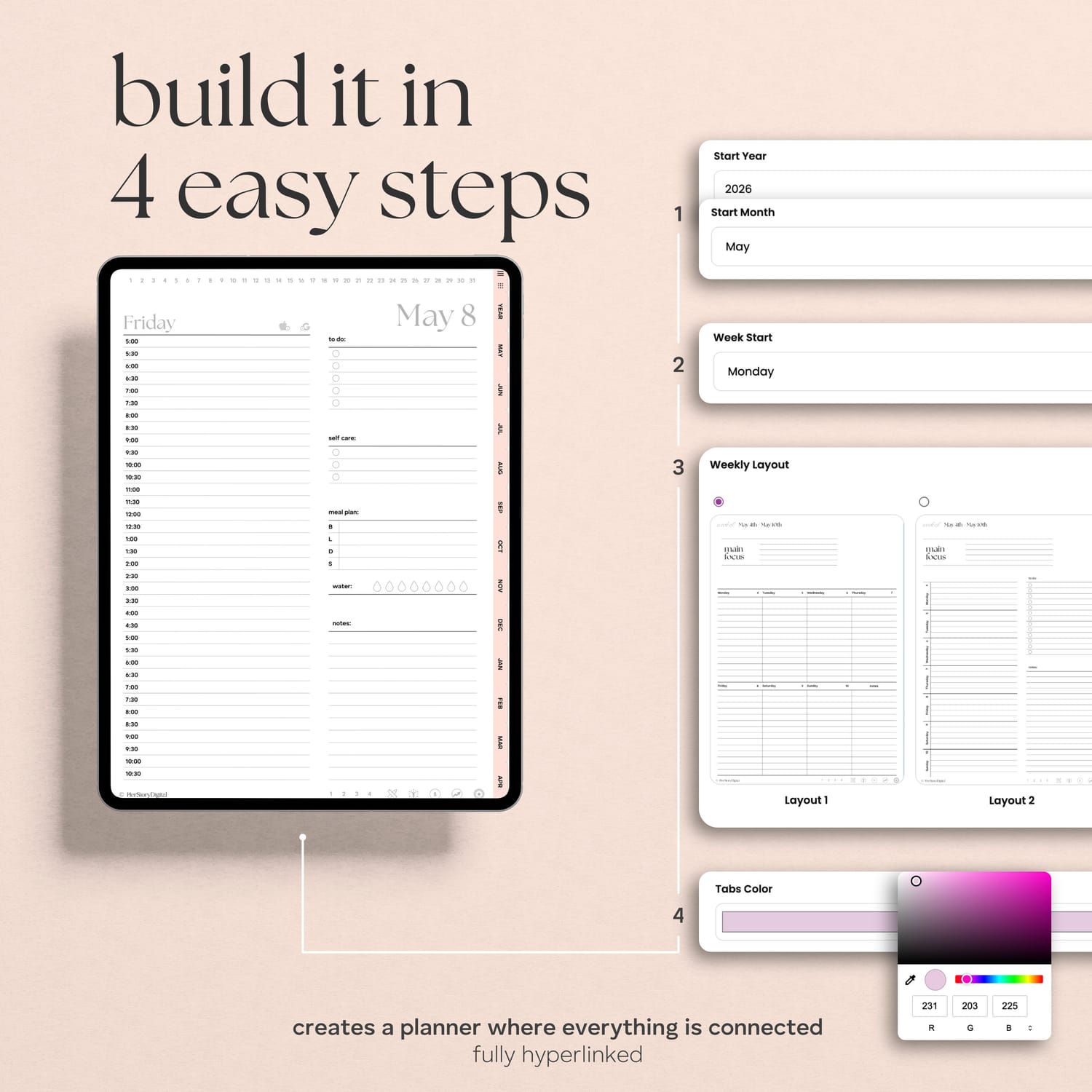
Step 1: Choose When Your Planner Starts
Most dated planners follow the calendar year, beginning in January and ending in December.
That works perfectly if you're shopping for a planner in January.
But what if you're starting a new job in March? Beginning university in September? Or simply deciding that today is the day you're finally getting organized?
With a custom digital planner, you don't have to wait.
Choose any starting month and year, and your planner will automatically generate a full 12 months from that date.
Start in May 2027? Your planner runs through April 2028.
Start in October? You'll still get an entire year of planning.
Twelve months you can actually use. Not twelve months someone else chose for you.



Step 2: Make the Layout Work for You
Not everyone plans the same way.
Some people need a detailed daily schedule. Others prefer a simple weekly overview where they can see everything at a glance.
That's why choosing your layout matters.
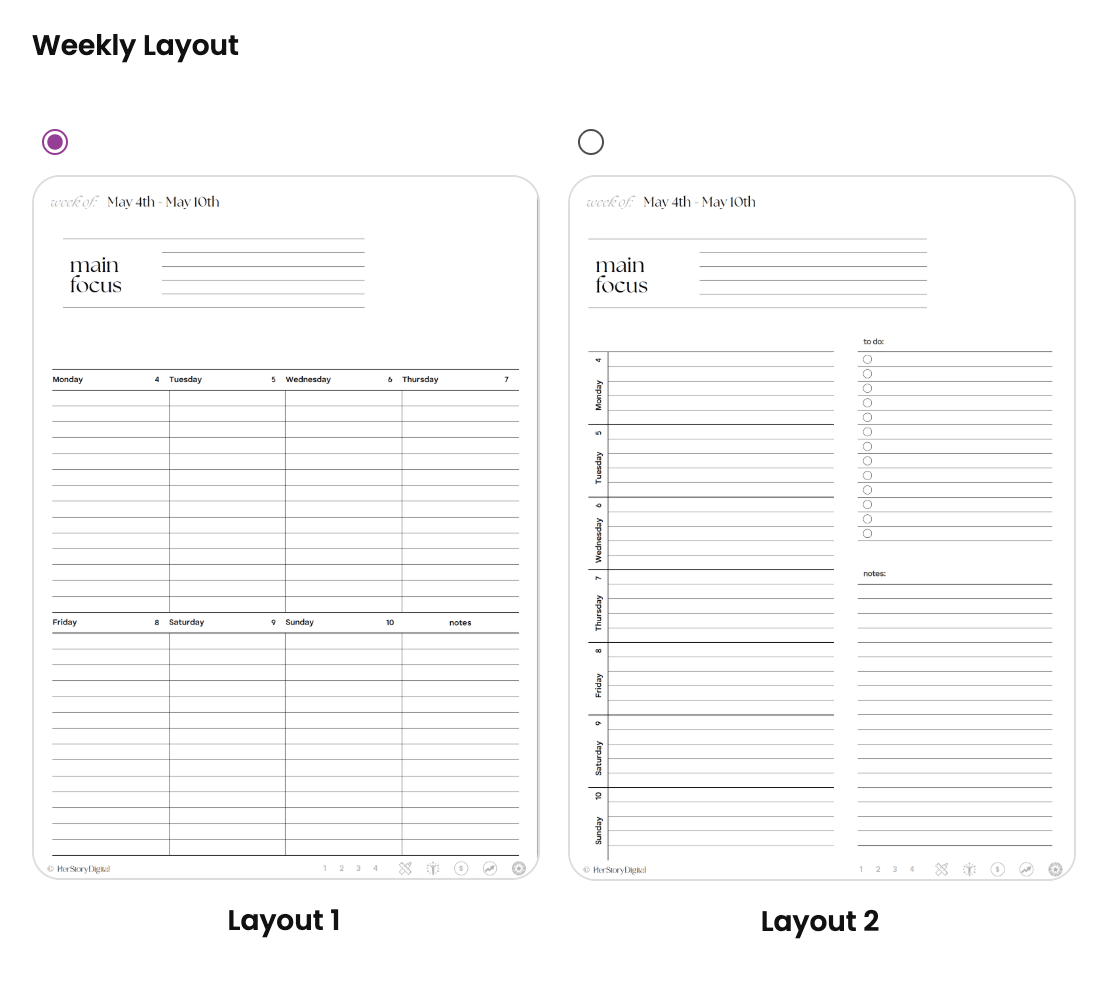
With the HerStoryDigital custom planner builder, you can choose between two weekly layouts, select a Monday or Sunday week start, and set the starting time of your daily schedule.
You can also choose between portrait and landscape orientation.
Prefer the feel of a traditional notebook? Portrait might be your favorite.
Want more horizontal space for your weekly plans? Landscape could be the better fit.
There's no universally perfect layout. There's only the one that makes sense for you.

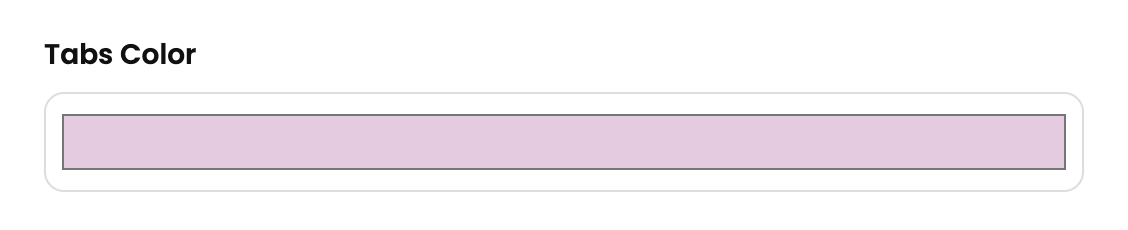
Step 3: Personalize Your Planner Colors
A digital planner doesn't have to be complicated to be beautiful.
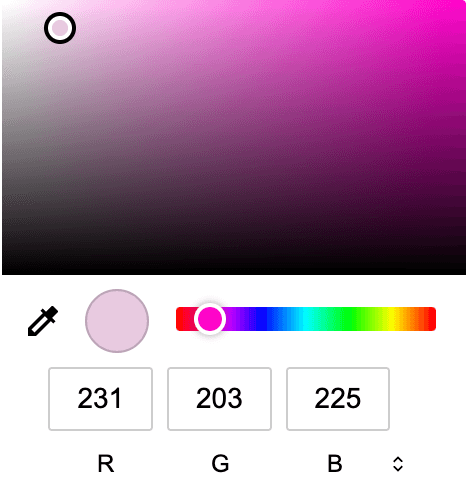
Sometimes, changing something as simple as the navigation tab color can make the entire planner feel more personal.
Choose a color that fits your style, whether you love soft neutrals, warm earthy tones, or something brighter.
The result is a clean, minimalist digital planning system that still feels like yours.
And because the planner is generated specifically for you, those choices become part of your finished PDF.
Step 4: Generate Your Hyperlinked PDF Planner
Once you've made your selections, the planner builder does the work.
It automatically generates a complete, dated 12-month digital planner with built-in hyperlinks connecting your yearly, monthly, weekly, and daily pages.
That means you can move between sections without endlessly scrolling through hundreds of pages.
Your personalized PDF can then be imported into a compatible digital note-taking app.
For iPad users, that might be GoodNotes or Notability.
For Android users, Samsung Notes, Penly, or another compatible PDF annotation app may be a better fit.
From there, you can write, highlight, add notes, and make the planner part of your everyday routine.
What Happens When You Want to Change Something?
This is where a customizable planner becomes especially useful.
Maybe you start with a landscape planner and later realize you prefer portrait.
Maybe you want a different tab color.
Or perhaps a new year is approaching and you want to start fresh.
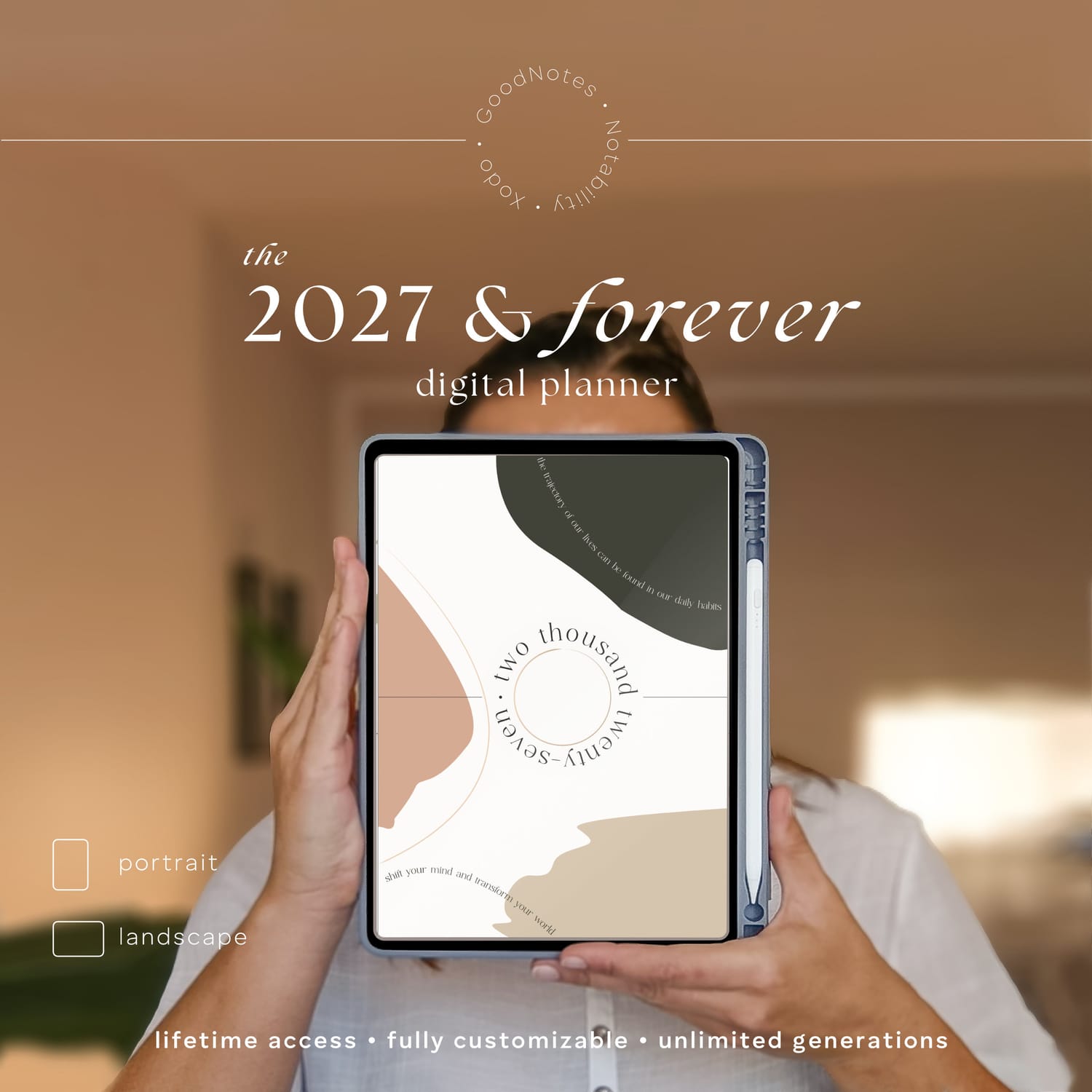
With HerStoryDigital's 2027 & Forever Digital Planner, your purchase includes lifetime access to the planner builder and unlimited planner generations.
You can return, change your settings, and generate a new planner without purchasing another one.
One important thing to know: generating a new PDF doesn't automatically transfer your handwritten notes or annotations from an older planner. You'll need to copy anything you want to keep.
But the freedom to create a fresh planner whenever you need one means you're no longer tied to a single layout or calendar year.
Do You Really Need to Create a Planner From Scratch?
Not anymore.
If you love designing every page yourself, building a digital planner from the ground up can be a rewarding creative project.
But if your goal is simply to have a beautiful, functional planner that works the way you do, there's no reason to spend hours creating hundreds of pages and hyperlinks.
You can skip straight to the part that matters: making it yours.
Your dates. Your colors. Your layouts. Your life.
And a digital planner that's finally designed around all of them.
Ready to create your own?
Explore the HerStoryDigital Custom Digital Planner and build your personalized 12-month planning system.
Let us know what you think in the comments!
YOU MIGHT ALSO LIKE

Custom Digital Planners

ABOUT ME
Hi, I'm Tereza!
I'm a big time nerd but also an avid admirer of all things beautiful. Creating digital planners allows me to tap into both worlds. This is where I thrive! Let me pass the products of this passion to you :)